

Listen
Begin the experience. Put the phone down.
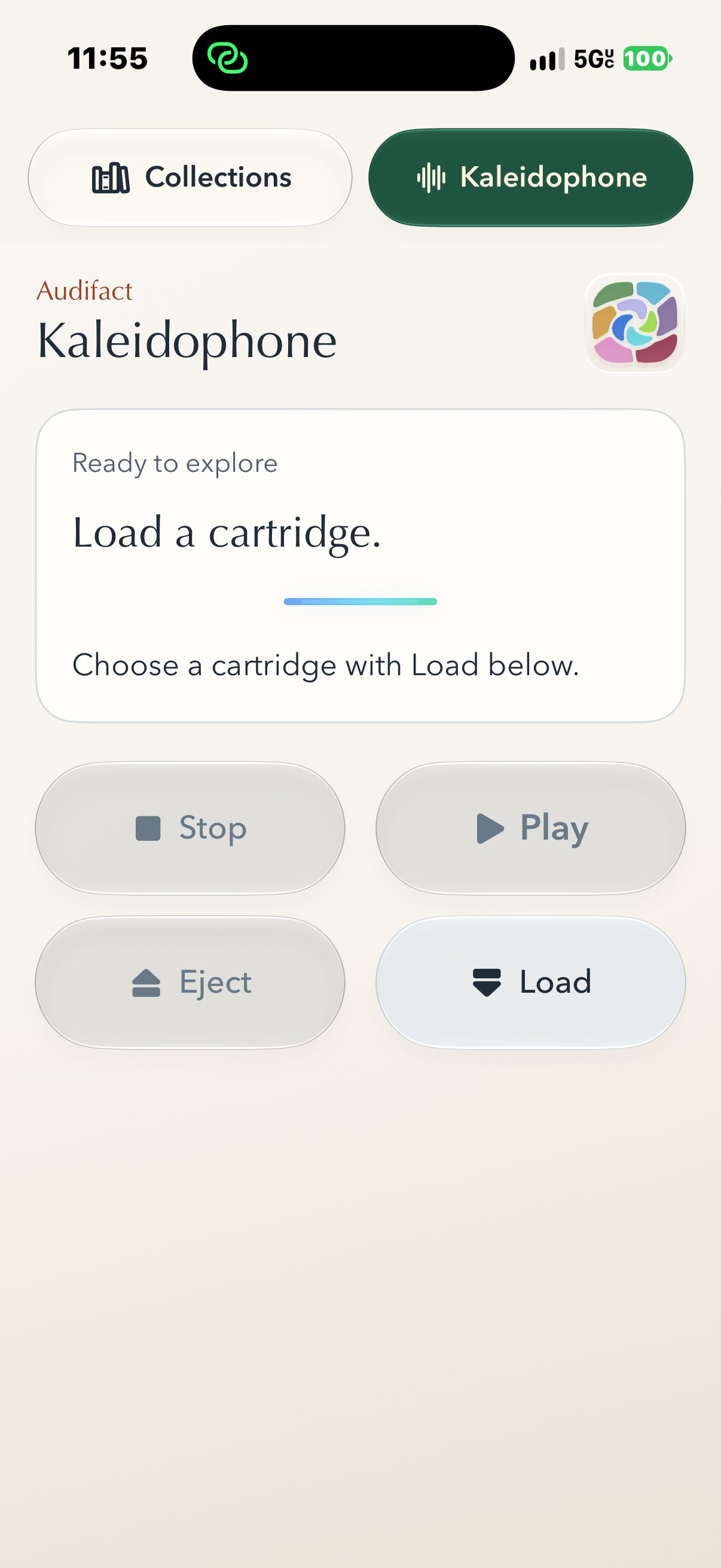
Collections and Kaleidophone are two rooms inside Audifact. There is no second listening app to install.
Your first combined session
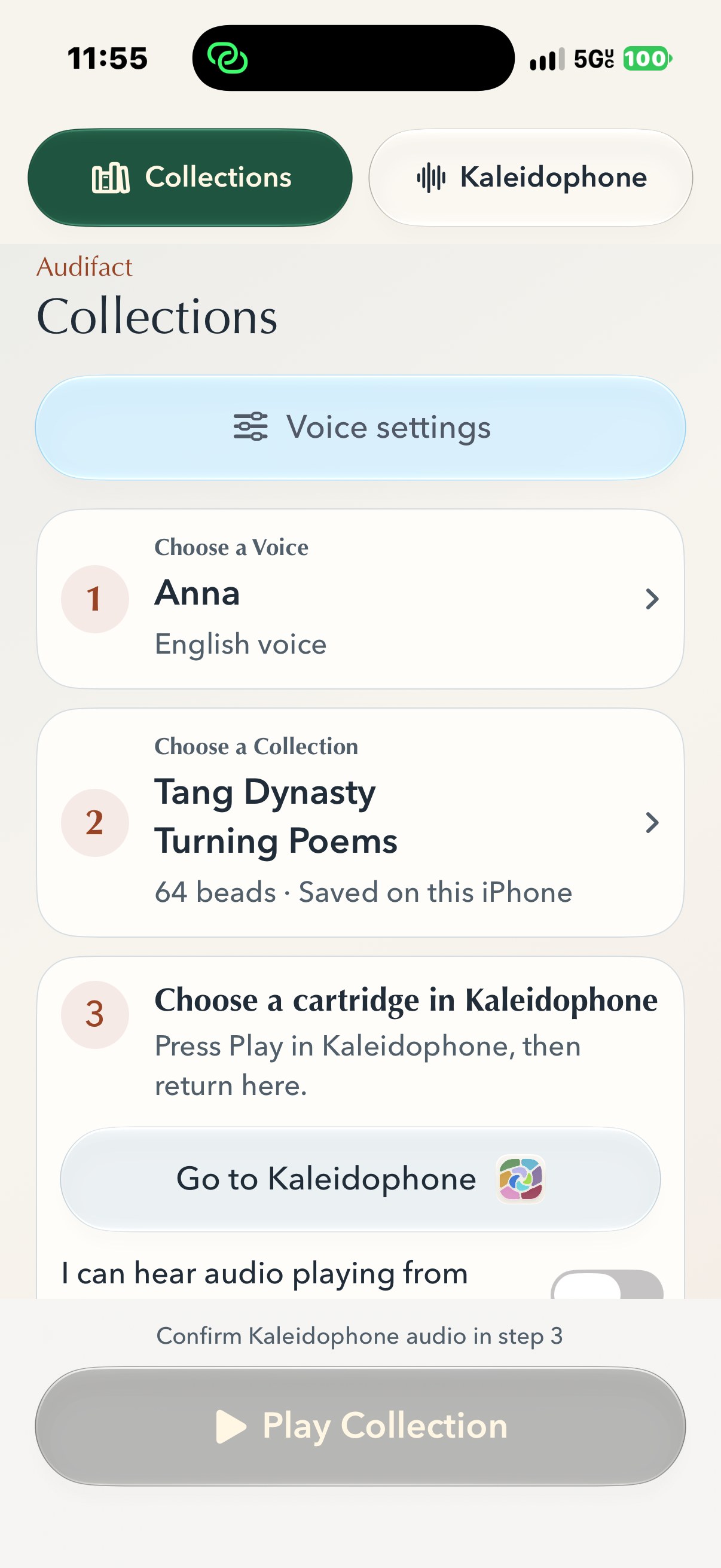
Open Audifact and close the introduction. You will enter Collections, where the numbered steps lead you through the experience.
- Choose a voice. Preview a narrator, then select it.
- Choose a Collection. Open the Authored Collections Library, review a Collection and download it. Select the downloaded Collection from Your Collections.
- Start a soundscape. Tap Choose a soundscape cartridge: open Kaleidophone, download or load a cartridge, and press Play.
- Bring in the words. Tap Return to play your Collection. Turn on Soundscape playback active, then tap Play Collection.
Audifact prepares passages as they are needed. There may be a short preparation pause; you do not need to render the whole Collection before listening.
Kaleidophone is the sound world.
For soundscapes alone, play a cartridge without starting a Collection. Downloaded cartridges play locally; online discovery and downloads need a connection.
Collections leaves room to listen.
For speech alone, stop Collection playback and choose Collections only under Listening Options. To bring the rooms together, use the default paired option and follow the steps above.
Use Voice Playback Settings for the interval between passages, voice level and speed where your voice supports it. Kaleidophone and your iPhone have separate volume controls.
Bring something worth returning to.
A cartridge holds a world of sound. A Collection holds written passages. Explore the Authored Collections Library and download a published Collection, or create a personal Collection of your own. Downloaded and personal Collections appear together under Your Collections.
Listening beyond the screen
Audifact is designed to keep playing when the screen locks. Words and sound can accompany your day without a feed to tend. For connection requirements and troubleshooting, visit Support.